> ## Documentation Index
> Fetch the complete documentation index at: https://docs.textyess.com/llms.txt
> Use this file to discover all available pages before exploring further.
# How to manually manage conversations
> Once a client has started a conversation, TextYess provides the ability to manage it manually.
If you wish to disable AI in a specific conversation and respond manually, simply open the conversation and click on the button next to ***AI Active***:
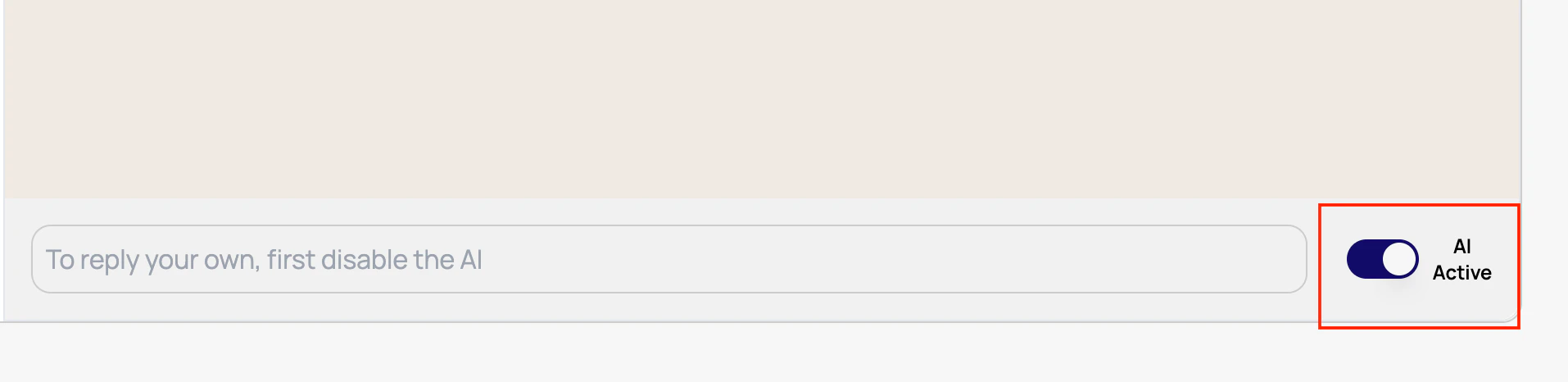 After clicking on the button, you can directly send the message you want to your customer.
Remember that you will only be able to send messages to customers who have
last sent you a message within a time window of no more than **24 hours**.
After clicking on the button, you can directly send the message you want to your customer.
Remember that you will only be able to send messages to customers who have
last sent you a message within a time window of no more than **24 hours**.